Physical Address
304 North Cardinal St.
Dorchester Center, MA 02124
Physical Address
304 North Cardinal St.
Dorchester Center, MA 02124


Emojis are great, but they don’t always feel personal. What if you could express your reactions, joy, anger, love, boredom through a cute, mini version of yourself?
Chibi stickers let you do exactly that.
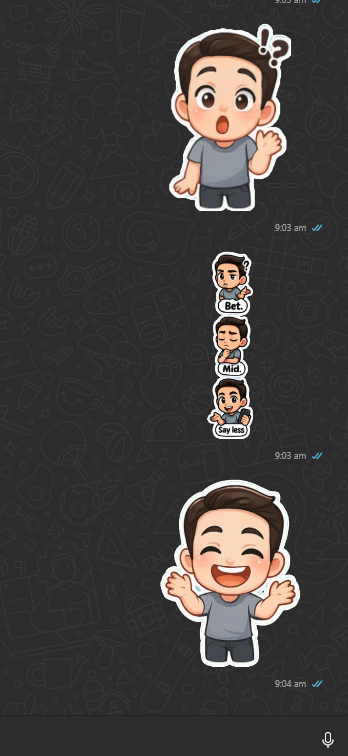
And now, you can make and send your own chibi sticker set directly through WhatsApp.
🧭 Table of Contents
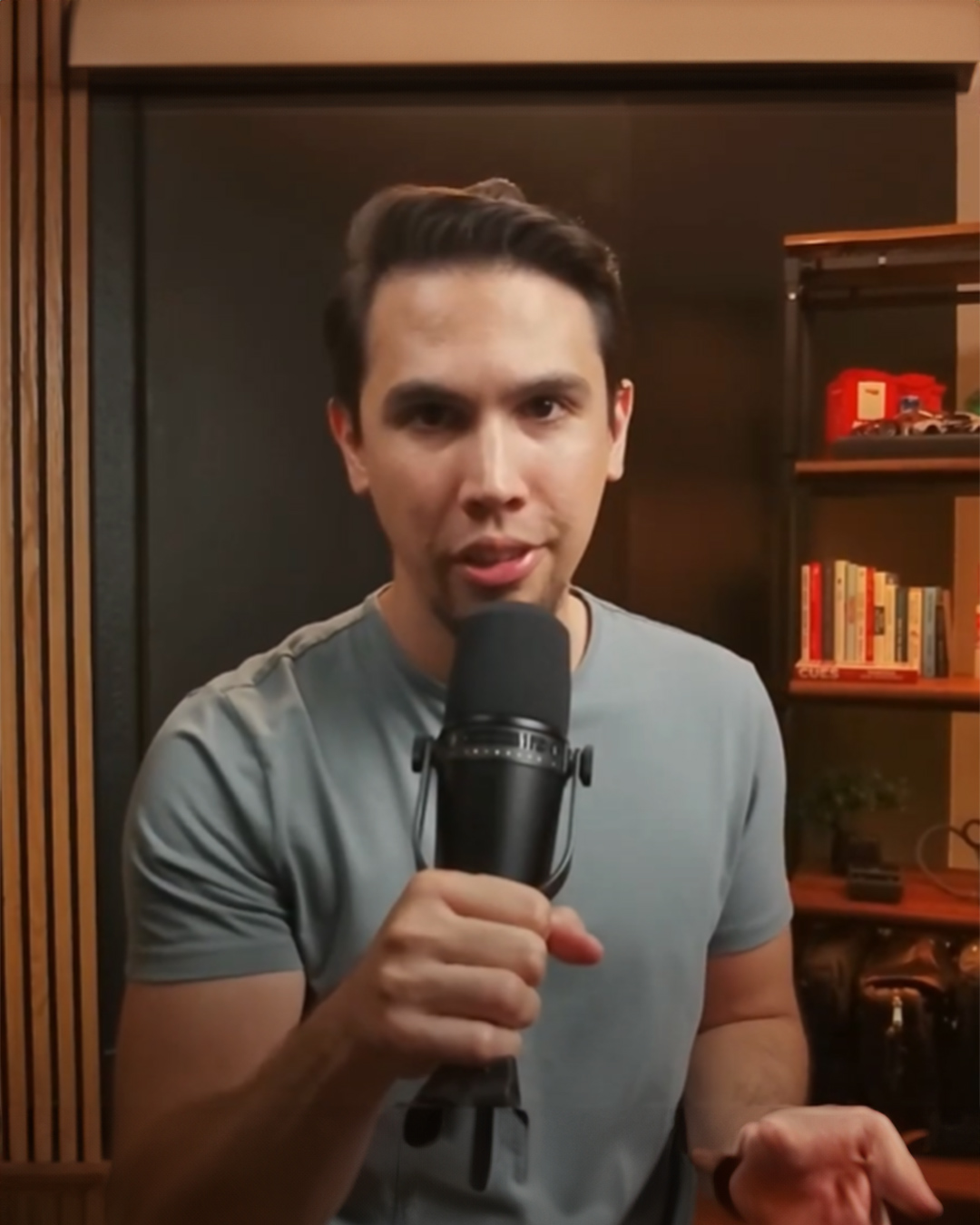

Using the attached photo, create a 3×3 grid of chibi-style digital stickers featuring a cute young man with neatly styled brown hair, expressive round eyes, and a light grey fitted shirt with dark pants. Each chibi showcases a unique exaggerated emotion: joyful with arms open wide, angry with a frown and clenched fists, crying with big teardrops, sleeping with a tilted head and “Z” symbol, sulking with crossed arms, thinking with a hand on his chin, blowing a kiss with a heart, winking with peace signs, and surprised with wide eyes and a raised hand. All characters have a consistent cartoonish look, soft shading, white sticker-like borders, and are set against a flat pastel blue background for a playful and cohesive sticker sheet style.
To get the best results, keep these tips in mind:
On iPhone:
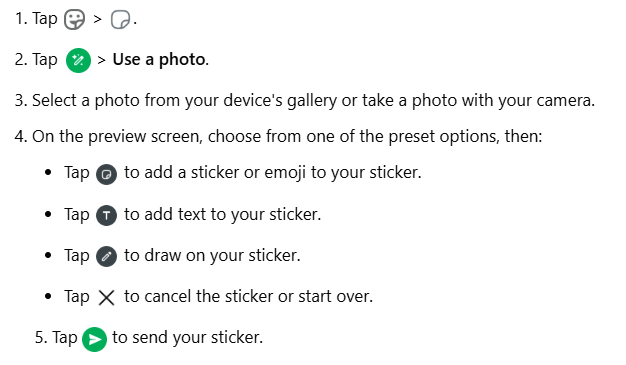
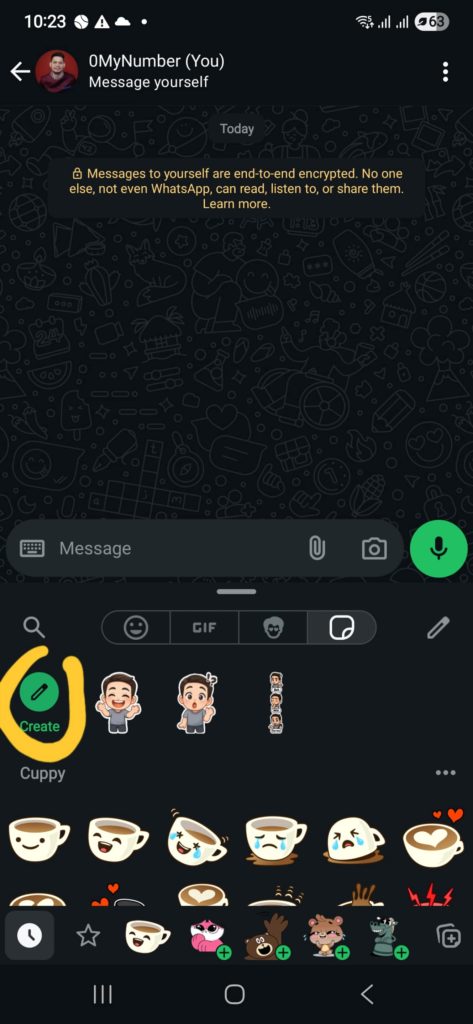
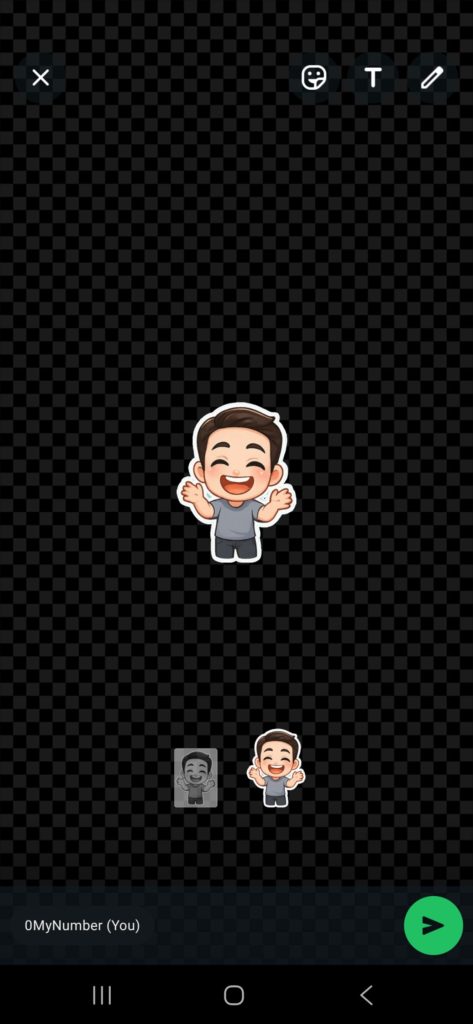
On Android:
Ready to get started? Pick your favorite photo and try the prompts above. Your friends are going to love these custom stickers!
