Physical Address

304 North Cardinal St.
Dorchester Center, MA 02124

How to Make a YouTube Kids‑Friendly, Cocomelon‑Style Children’s Song

Do you have 20 minutes and a laptop? Let’s create a charming kids’ video that could be the next Cocomelon, featuring your own lyrics, custom visuals, and even a chorus of friendly woofs.

What You’ll Need
  • ChatGPT account (free subscription works)
  • Suno AI Free or ($10/month)
  • Veo 3 ($20/month)
  • Canva Free account or ($15/month)
Step 1: Generate Lyrics with ChatGPT
  • “Write 8 short, repetitive verses for a Wheels-on-the-Bus-style song about [your theme].”

Pro tip: Be specific with your theme. Instead of “animals,” try “farm animals learning to count” or “ocean creatures going to school.”

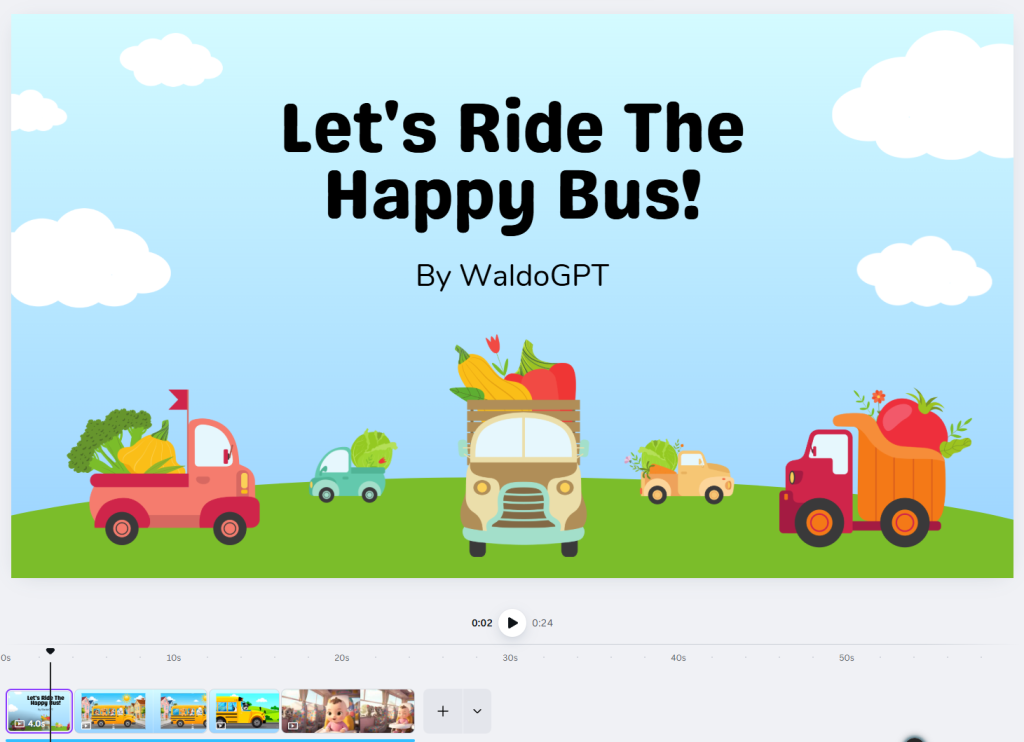
Let’s Ride The Happy Bus!

The dogs on the bus go woof, woof, woof,
Woof, woof, woof,
Woof, woof, woof,
All through the town!

The cats on the bus go meow, meow, meow,
Meow, meow, meow,
Meow, meow, meow,
All through the town!

The babies on the bus go gig-gle, gig-gle, gig-gle,
Gig-gle, gig-gle, gig-gle,
All through the town!

The driver on the bus says “All aboard, friends!”,
“All aboard, friends!”,
All through the town!

The seats on the bus go bounce, bounce, bounce,
Bounce, bounce, bounce,
All through the town!

The horn on the bus goes beep, beep, beep,
Beep, beep, beep,
Beep, beep, beep,
All through the town!

The parents on the bus say “Hug, hug, hug”,
“Hug, hug, hug”,
“Hug, hug, hug”,
All through the town!

The friends on the bus shout “Let’s ride again!”,
“Let’s ride again!”,
All through the town!

Thanks for singing—see you next trip!
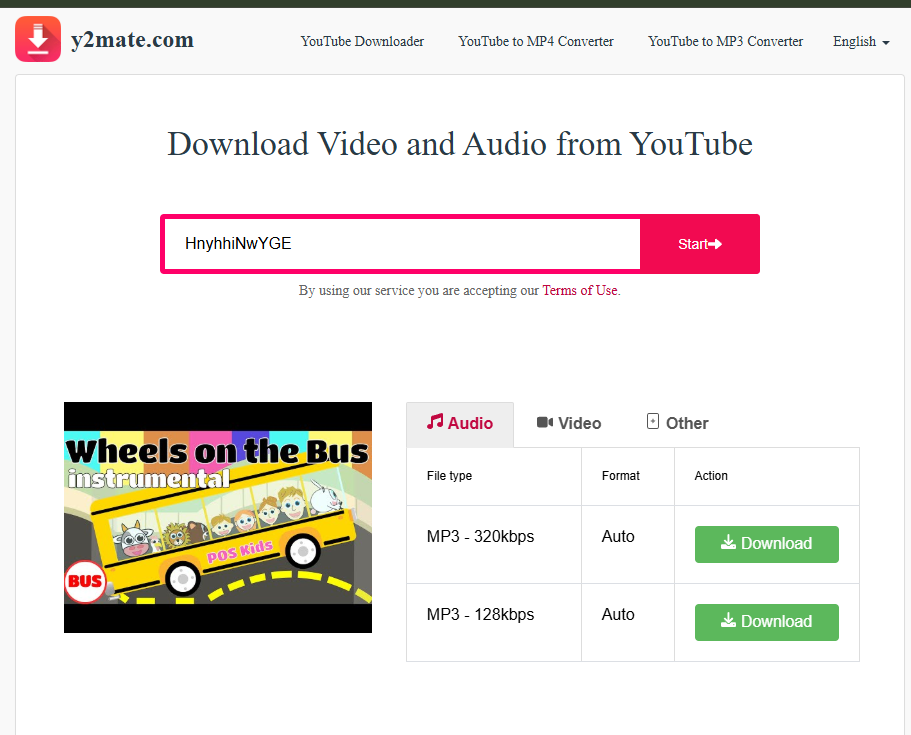
Step 2: Download the “Wheels on the Bus” Audio
  1. Search “Wheels on the Bus instrumental public domain” (or similar).
  2. Check the video description to confirm there’s no copyright claim.
  3. Click the address bar, press Ctrl+C (Cmd+C on Mac).
  4. • Go to https://v4.www-y2mate.com/ in a new browser tab.
  5. Click the search box, press Ctrl+V (or Cmd+V), and then click Start.
  6. When the format list appears, choose MP3 and the highest available bitrate.
  7. Click Download ► Get link ► Download .mp3.
  8. The file will save to your default “Downloads” folder.
Step 3: Create Your Song with Suno AI
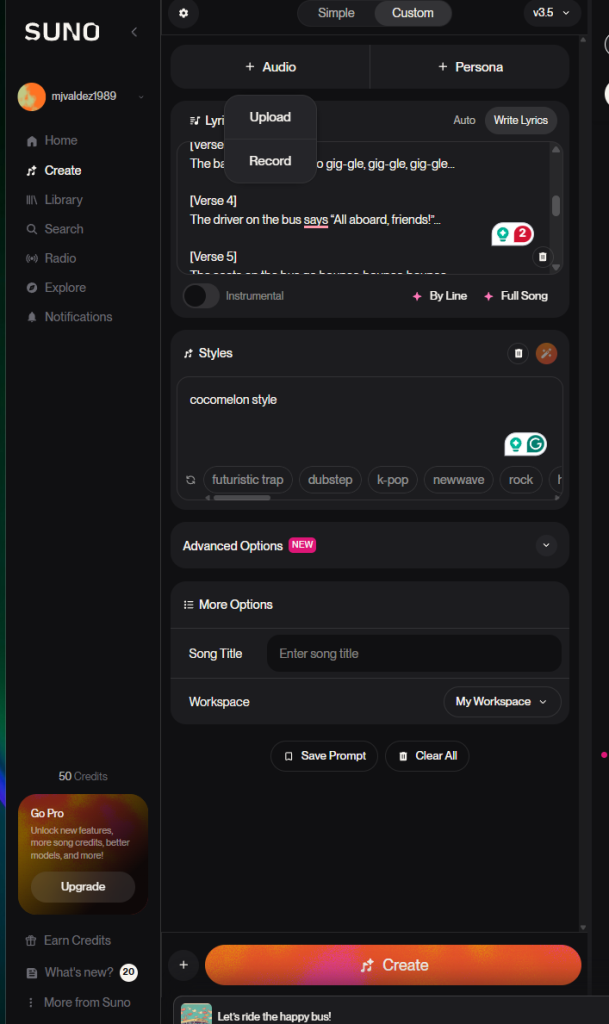
  1. Open Suno AI and click Create ► Custom Song
  2. Upload the “Wheels on the Bus” audio file
  3. Paste your ChatGPT lyrics into the lyrics field
  4. In the style prompt, enter: Upbeat kids pop, cocomelon style
  5. Click Create and wait for the generation
  6. Listen to both versions and download the best MP3
Step 4: Generate Verse Clips with Veo
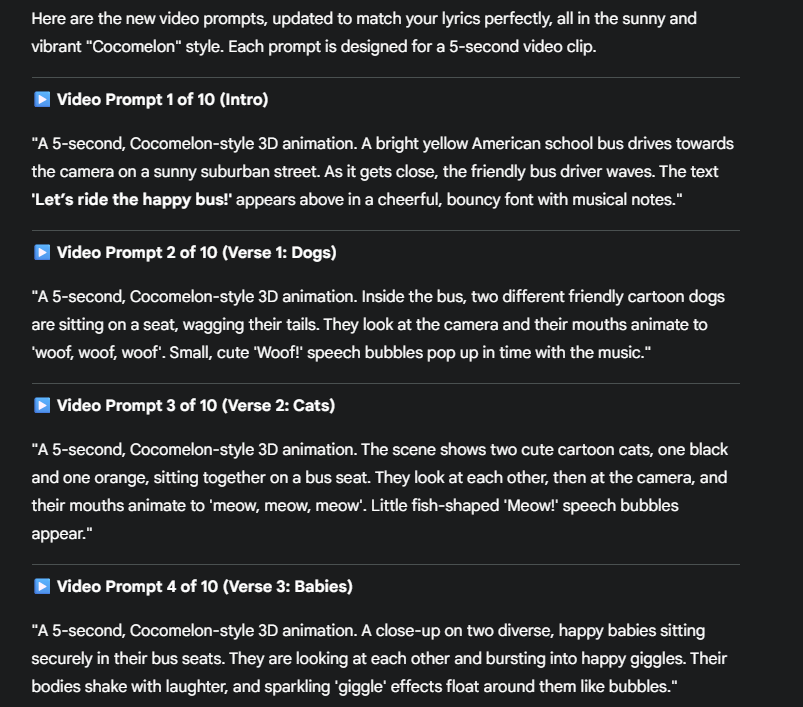
  • Go back to ChatGPT and Paste one verse at a time and ask:
    • “Give me a one‑sentence cartoon scene prompt for this verse, bright primary colours.”
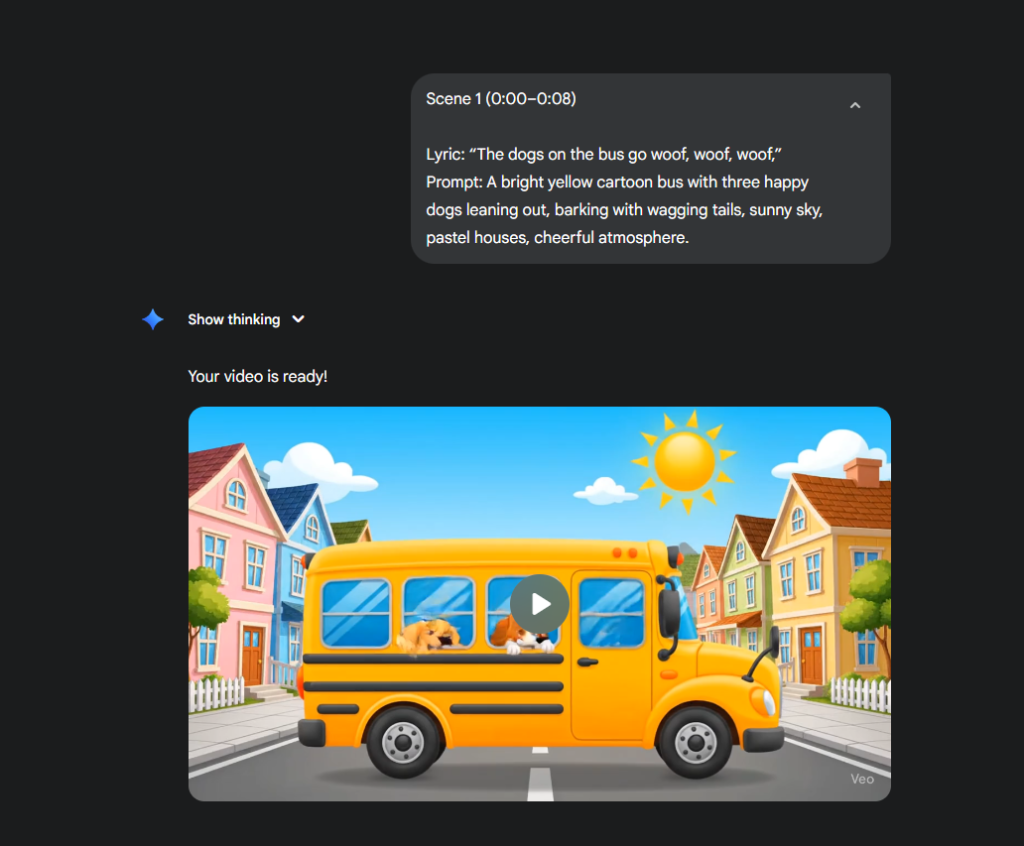
  • Sign up and Open Veo in Gemini or Flow
  • Copy each prompt into a notes file and label them Verse 1, Verse 2, etc.
  • Save the list—these lines will feed Veo’s text‑to‑video tool.

Step 5: Set Up Your Video Project in Canva
  • In Canva, click Create Design ► Video (1920×1080)
  • Upload your MP3 file from Suno
  • Drag the audio and the clip files onto your timeline
Step 6: Export
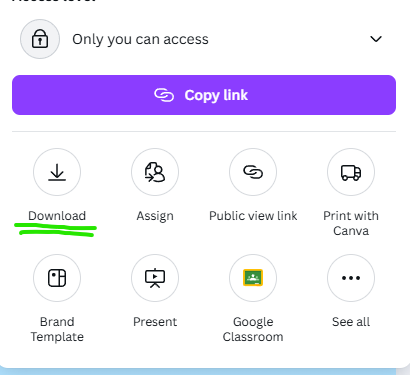
  • MP4, 1080p, 30 fps.
  • Watch once all the way through; adjust any off‑beat moments.
Step 7: Upload to YouTube Kids
  • Upload to YouTube Kids or your classroom drive and share the link.

That’s it—you’ve lined up Veo’s visuals with Suno’s track, captions included, no headaches.