Physical Address
304 North Cardinal St.
Dorchester Center, MA 02124
Physical Address
304 North Cardinal St.
Dorchester Center, MA 02124

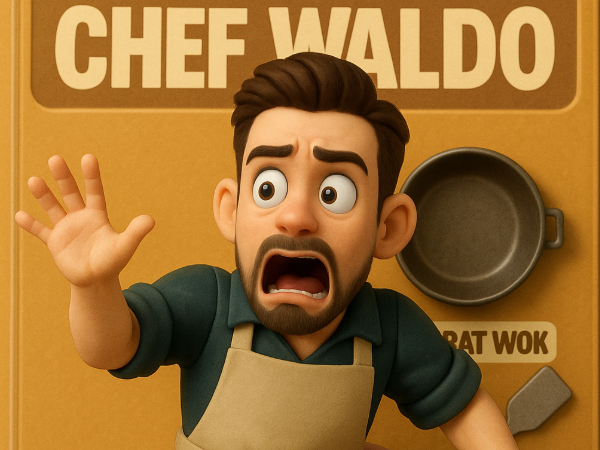
What if your selfie became an action figure… and that action figure starred in its own movie trailer?
Using just a selfie, some clever prompts, and a few free AI tools, I created a retro-style toy version of myself — and then brought it to life in a Marvel-style trailer.
No coding. No design background. Just me, some AI magic, and a lot of “let’s see if this works.”
Watch the 15-second showcase here before we break it down step by step:
🧭 Table of Contents
Upload a front-facing selfie to ChatGPT and use the following prompt template to create your own retro action figure.
Prompt I used (replace text where you see < >)
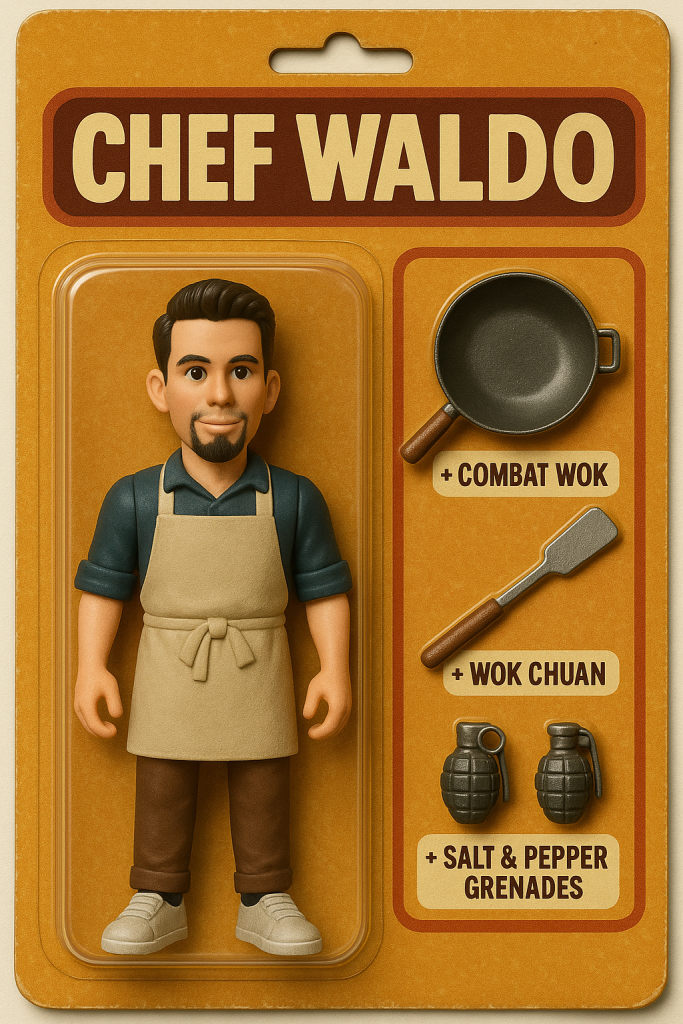
Create a retro-style collectible toy image in the form of a blister-pack action figure. The figure should have articulating limbs and be styled like a plastic figurine. It is sealed inside vintage cardboard-and-plastic packaging, designed with warm tones, textured background, and a nostalgic, 90s toy aisle look. The top of the packaging displays a bold nameplate with the character’s name. Inside the blister pack, include the main figure and themed accessories arranged neatly in separate compartments.

Details:
Name on packaging: <Chef Waldo>
Accessories: <Combat Wok (Chinese wok pan), Wok Chuan (spatula), Salt & Pepper Grenades>
Attire: <Casual chef outfit with apron, rolled sleeves, and sneakers>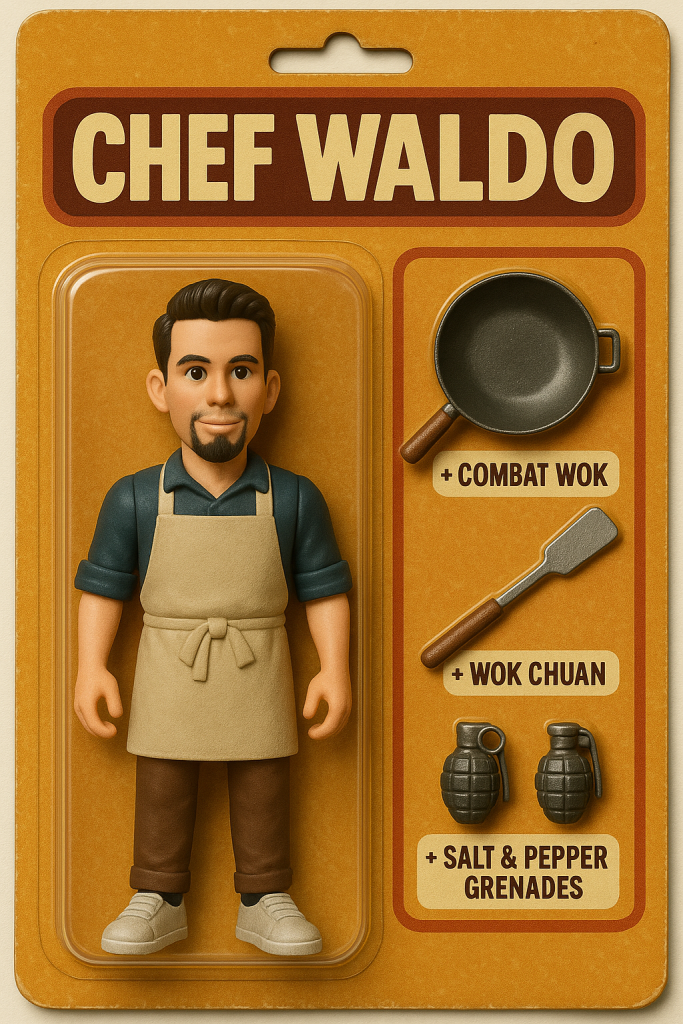
💡 PRO TIP: In case you are not happy with your first result, you can ask ChatGPT to modify the existing image but I found it best to start over in a new chat.
If you want to skip creating a whole cinematic trailer and just want to see your action figure come to life, copy the prompt below and skip to step 5. s want to see
(Slide [>] if you want to see the final result I got back.)
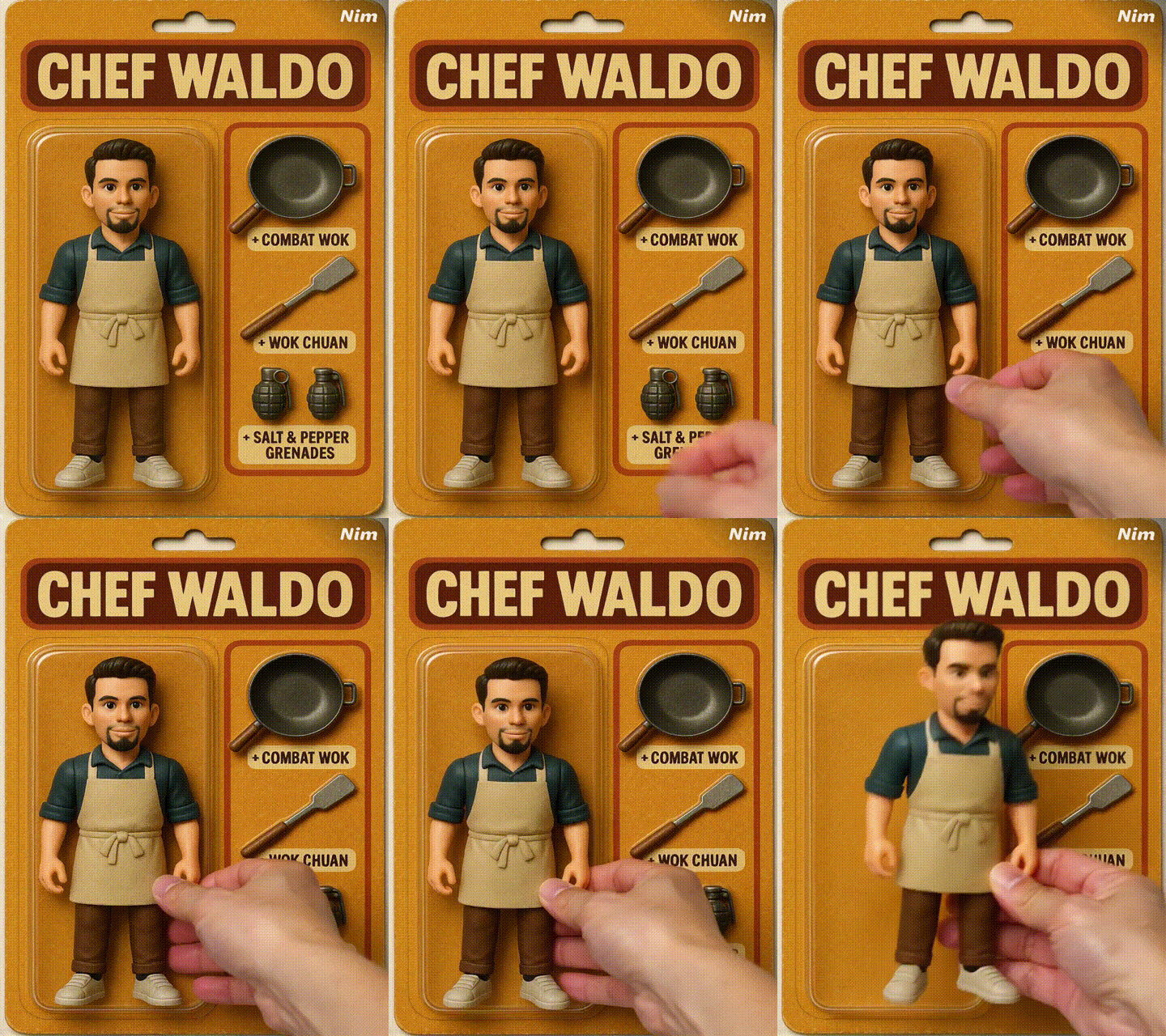
A realistic hand elegantly reaches in from the right, grasping the action figure’s torso, lifting it smoothly from its packaging without disturbing the surrounding items. Once elevated, the figure displays its vibrant colors under soft lighting, slowly rotating from front to left and right profiles, revealing playful details against a warm, textured background while the camera captures the action with a gentle tilt.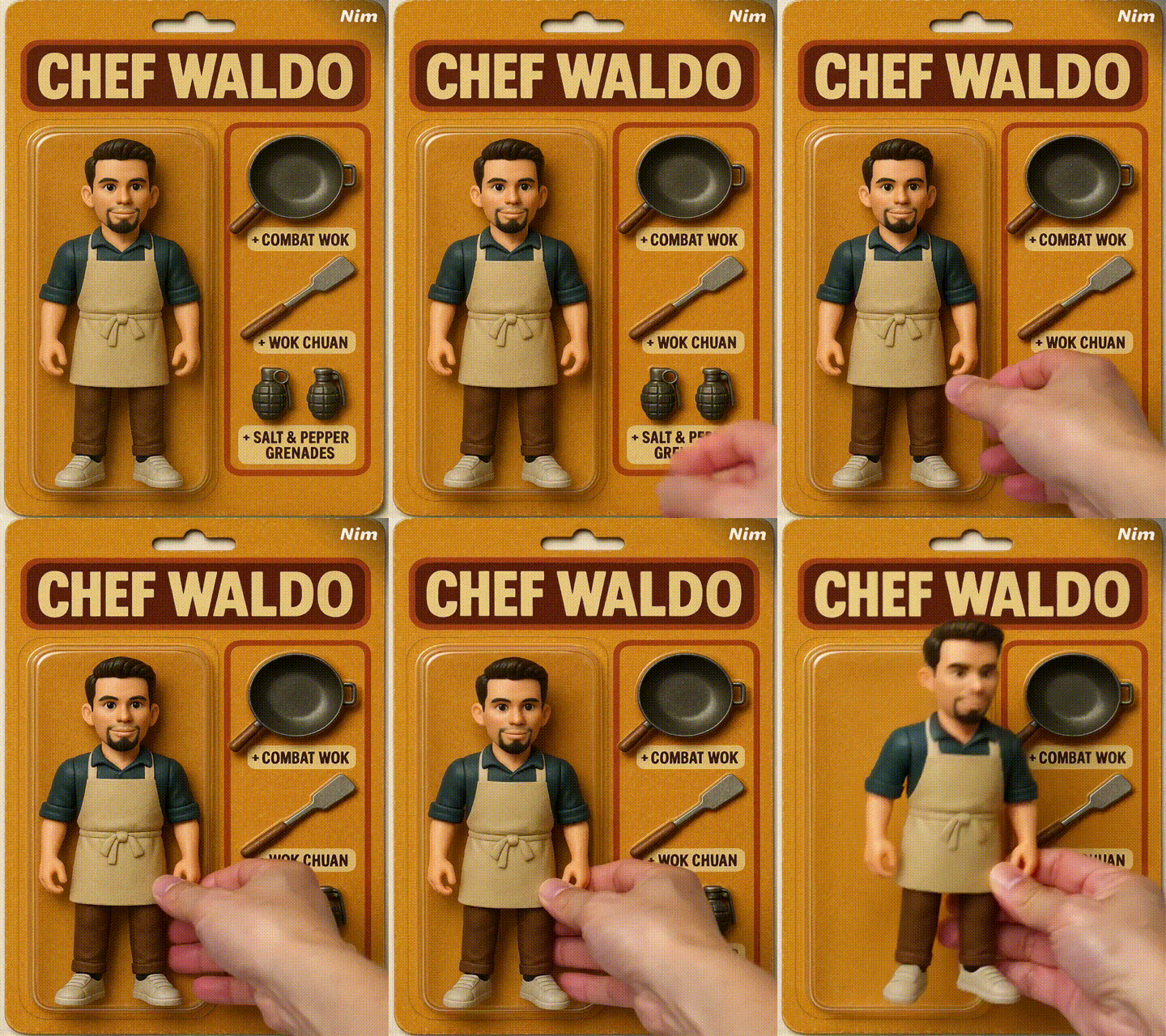
Next, head back to ChatGPT and brainstorm some origin-story ideas for your new action figure alter ego. You can use a prompt like the one below but feel free to just ask it in any way you want. At this point in time, you are just looking for a story concept that resonates, don’t worry yet about all the details.
(Slide [>] if you want to see the origin story I landed on)
Once you’ve picked your story, ask ChatGPT to help you write the scenes you will later generate a visual for and then animate.
Here’s the prompt that I used that incorporates key storytelling techniques
(Slide [>] if you want to see the result I got back.)
With the scenes and the stories all written out, it’s time now to create the visuals. For each scene, simply ask ChatGPT to generate an image. Remember to attach your original action figure image so that it can transform it into a new scene. Below is an example of what I entered into ChatGPT.
(Slide [>] to see the result I got)
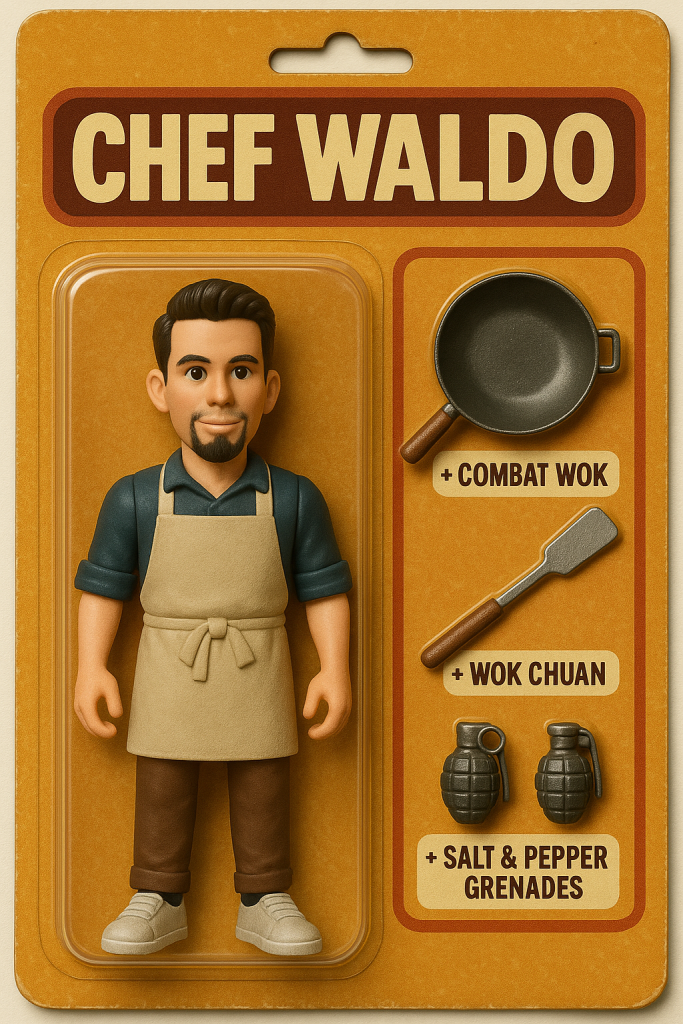
Prompt:
Given this still image, generate an image depicting the action figure coming to life as if it just got a soul and has control over it’s body. It’s face should show shock or surprise, while it’s body is trying to escape the human hands that got hold of it
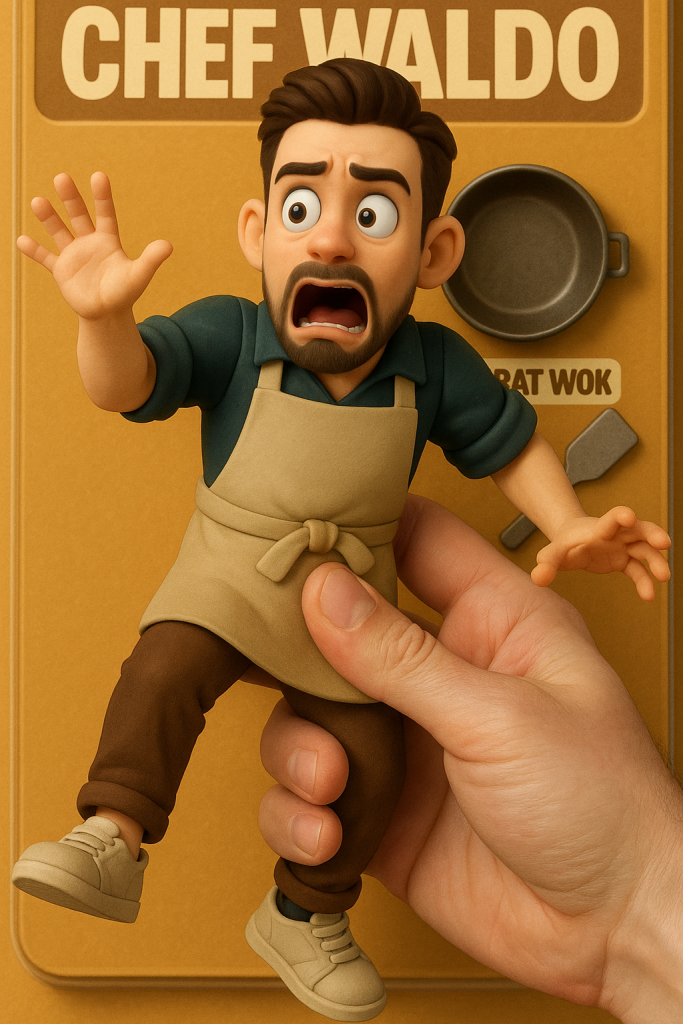
Then, within the same chat window, after you generated the new scene, ask ChatGPT to generate the video prompt which will be used later. Copy these into a separate document so it is easier to track.
💡Pro Tip: Remember that you must keep the intended animation within the context of what is feasible in the image.
Go to nim.video and create a free account. This will get you 200 one-time credits, which are good for about six five-second clips.
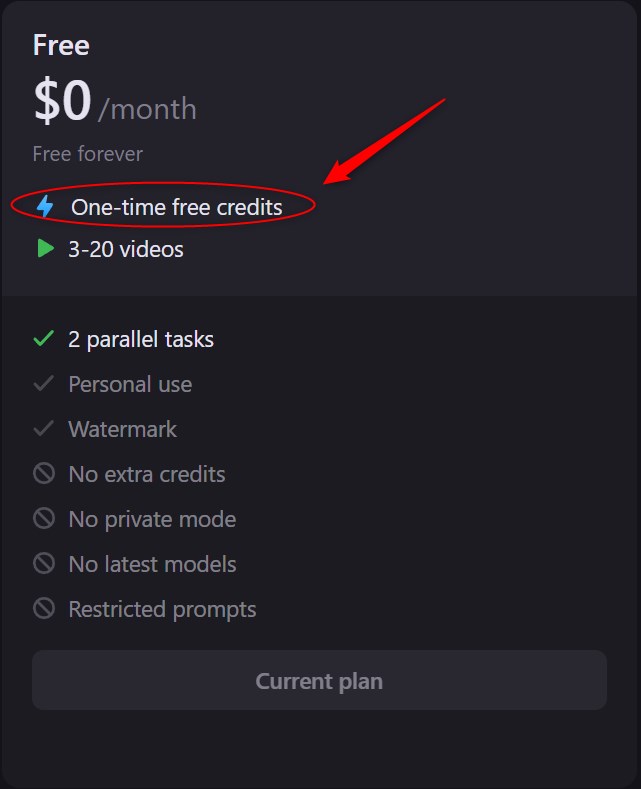
Upload each still image to Nim.video and use the prompt you generated after each image. Here are the first two videos I got from Nim. Doing just the first one is enough to consider this project a success!
Prompt
A realistic hand elegantly reaches in from the right, grasping the action figure’s torso, lifting it smoothly from its packaging without disturbing the surrounding items. Once elevated, the figure displays its vibrant colors under soft lighting, slowly rotating from front to left and right profiles, revealing playful details against a warm, textured background while the camera captures the action with a gentle tilt.
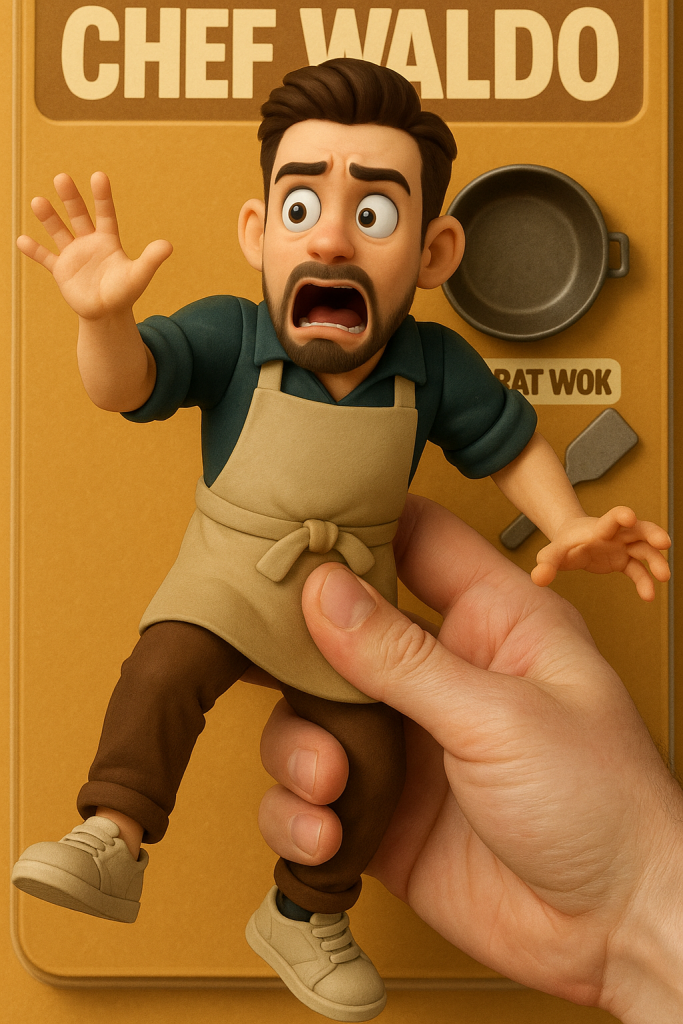
Prompt
The action figure, Chef Waldo, has just come to life and is flailing his arms in panic, his facial expression shifting between shock and terror as he realizes he’s being held by a giant human hand. His body twists and kicks in a desperate attempt to break free, while his wide eyes dart around and his mouth opens mid-scream. Emphasize subtle body jerks, frantic limb movement, and the tension between the figure and the hand gripping him, all while keeping the background of the blister-pack toy packaging intact.
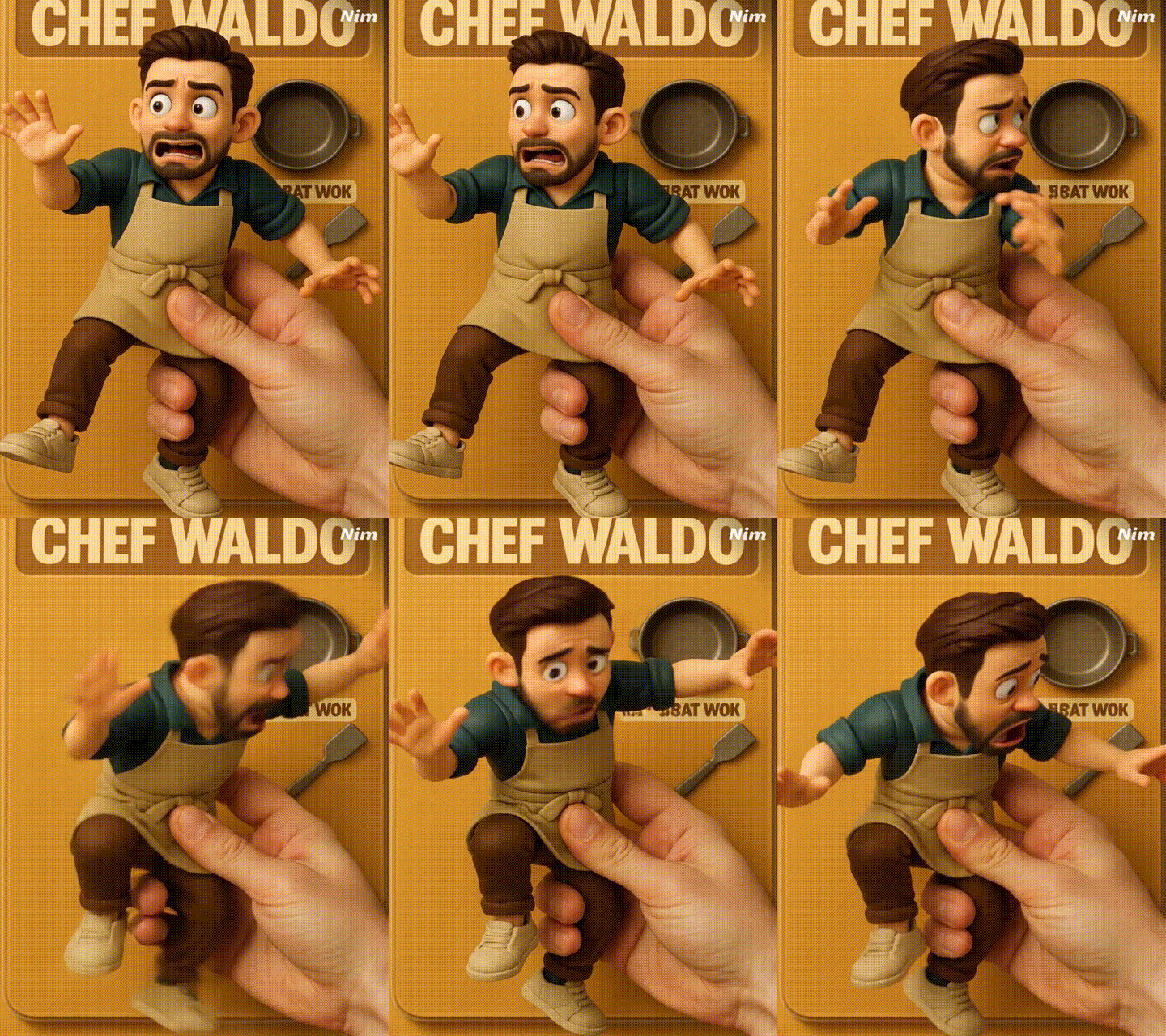
Use CapCut, iMovie, or any editor you like to stitch your clips together. Add dramatic music, sound effects, maybe even your own voiceover.
I voiced mine myself — it added just the right mix of drama and awkward charm 😅
Here’s how my trailer turned out. Not bad for a project that took only about an hour.
[YouTube Short Embedded]
Now it’s your turn!
Try it out and tag me @WaldoGPT if you post your version online. I’d love to see what you come up with
👉 Use the hashtag #funaiprojects to keep track of your projects and see what others create.
Subscribe and I’ll send you a new build idea every week. No spam — just cool stuff you’ll want to try.
[Placeholder]
